Best Forex VPS for Expert Advisors (EAs) (2026)
Choosing a Forex VPS provider for the first time is a different exercise than picking one as an experienced algo trader chasing single-digit millisecond latency to a specific Equinix cage. Beginners are usually running one or two MetaTrader terminals, testing a demo account or a small live account, and trying to keep an Expert Advisor (EA) online without configuring a Windows Server from scratch. For this audience, the decision criteria that matter most are how forgiving the pricing is if you cancel or downgrade, whether you can test the service cheaply before committing, and how good support is when something breaks during a news release. Raw CPU core counts and marketing latency claims matter far less at this stage than they do for a scalper running ten instances of MT5 next to a broker’s matching engine.
This roundup evaluates providers specifically through that lens: beginner-friendly pricing including refund policies and minimum commitment, whether a trial is offered, whether MetaTrader is pre-installed, and the quality of onboarding support, not just technical specifications. VPSForexTrader, one of the six providers evaluated below, publishes this article; the methodology section states how that conflict is handled and the editorial note repeats it in full.
What “Beginner-Friendly” Actually Means for a Forex VPS
Several misconceptions are worth addressing before comparing providers.
A low advertised price is not the same as a low beginner-friendly price. Many providers advertise a heavily discounted “first term” rate that only applies to 12- or 24-month prepaid contracts, with a much higher renewal rate. A beginner who isn’t sure they’ll stick with a strategy for two years should look at the monthly, no-commitment price, not just the headline discount banner.
“1ms latency” claims are provider marketing, not independently verified figures, unless a source publishes third-party testing methodology. Every provider in this piece advertises low-latency figures; none of these numbers were independently tested for this article, and actual latency depends on the specific broker’s server location relative to the VPS data center, not just the city label on the plan.
A pre-installed MT4/MT5 image is a convenience feature, not a universal one. Some providers image the VPS with MetaTrader already installed, sometimes tied to your broker selection at checkout and sometimes as a generic build; others ship a clean Windows desktop and expect you to install your broker’s own MT4/MT5, because those builds are broker-specific and a generic pre-install could be the wrong build. Neither approach is inherently better for a beginner, but it changes how much manual setup you’ll do on day one, and a pre-installed generic image may still need replacing with your broker’s version.
Not every “trading VPS” is built for Forex specifically. Some providers position themselves primarily around futures trading and exchange proximity, for example to the CME in Chicago, rather than Forex broker connectivity, which matters if you’re comparing a plan’s advertised latency figure to your own use case.
Uptime guarantees are typically service-credit guarantees, not technical impossibility of downtime. A “99.99%” or “100%” uptime claim usually refers to a provider’s SLA and associated compensation policy, for example account credit for downtime beyond the threshold, not a claim that outages cannot occur.

Methodology
This comparison is based on publicly published pricing, specifications, and feature pages from each provider’s own website, retrieved and dated per provider in the references below, and rechecked on 16 September 2026. Every figure here should be re-verified against the provider’s live pages before purchase, since pricing and plans move. Where a claim, such as latency figures, uptime percentages, or “official” superlatives, is the provider’s own marketing statement rather than an independently verified fact, it is labeled as such below.
The evaluation dimensions are the ones that matter to a first-time buyer: entry pricing with the billing basis stated, the refund window, whether MetaTrader is pre-installed, support hours and channels, and whether the provider offers a trial. Setup time and raw data-centre counts are described where relevant but are not scored, since a first-time buyer rarely deploys more than one terminal and cares more about testing the service cheaply than about facility breadth. This comparison does not rank providers on user-review scores; review platforms are noted only where a provider’s own marketing figure diverges materially from its live platform score.
Providers are ordered by founding year, earliest first, with the year taken from each provider’s own published information and, where a provider’s founding year is reported inconsistently across sources, the most commonly cited year used. The criterion is structural rather than qualitative, and it places the publisher second. On that basis the order is Cloudzy (2008), VPSForexTrader (2011), My Forex VPS (2012), NYCServers (2012), ForexVPS.net (2013), and QuantVPS (no founding year published, placed last).
VPSForexTrader is both the publisher of this article and one of the providers evaluated in it. This is a direct conflict of interest, and readers should weigh our inclusion and description of our own service accordingly, alongside the other options presented. It is handled the same way in every VPSForexTrader comparison: the publisher’s plan is evaluated on the same dimensions applied to every other provider, the ordering basis and sources are published, and where a competitor is genuinely the better fit for a given beginner, that is stated. Nothing in this article constitutes financial, investment, or trading advice; it is a hosting infrastructure comparison only.
The short version
For a fast orientation, here is every provider with its single most distinctive beginner-relevant attribute and entry price, in the order they appear below. Cloudzy advertises the fastest provisioning, 60 seconds, and the lowest entry tier, a 1 GB plan at $3.48 per month, a 50 percent promotional rate against a $6.95 standard monthly price, on a clean Windows desktop with MT4 available as a one-click marketplace install. VPSForexTrader maps its three plan tiers directly to MetaTrader instance count, is the only provider here documenting ECC memory, and is the only one offering a dedicated paid trial that requires no broker relationship, a $0.99 three-day option, from $19.19 per month on a 24-month term or $31.99 monthly. My Forex VPS advertises among the lowest headline prices of the Forex specialists here, from roughly $11.99 to $14.99 per month, on a 7-day refund window rather than the 14 days most others offer. NYCServers pre-installs MetaTrader based on the broker you select at checkout, at $25 per month ($16.67 annual). ForexVPS.net publishes the broadest footprint, 22 regions, with a trade copier and analytics bundled, at $40 per month or $32 billed yearly, and a broker-sponsored free VPS route. QuantVPS offers itemized hardware and a futures-first platform, from $29.99 per month for its VPS Starter tier, though its headline latency figure is a Chicago futures metric, not a Forex one. The sections that follow expand each and route different beginners to different providers.
Comparison Table
Provider comparison. Billing basis is labelled per cell; a consistent no-commitment monthly column is included so the rows are comparable on one basis. Re-verify every figure live before purchase.
| Provider | Entry monthly (no-commitment) | Lowest advertised (prepaid) | MT4/MT5 pre-installed | Money-back window | Trial | Support |
| Cloudzy | 1 GB, $3.48/mo (50% promo vs $6.95) | $3.48/mo (1 GB promo) | No, clean Windows Server 2022 desktop; MT4 one-click marketplace install | 14 days | No dedicated trial; 14-day guarantee only | 24/7 |
| VPSForexTrader | $31.99/mo | $19.19/mo (24-month promotional) | No, Windows Server 2025 image, user installs | 14 days | Yes, $0.99 three-day trial (card required, auto-continues) | 24/7 |
| My Forex VPS | roughly $14.99/mo | from $11.99/mo (promotional) | No, manual install | 7 days | No dedicated trial; 7-day guarantee only | 24/5 |
| NYCServers | $25/mo | $16.67/mo (annual) | Yes, MT4/MT5/cTrader by broker at checkout | 14 days | No dedicated trial; 14-day guarantee only | 24/7 |
| ForexVPS.net | $40/mo ($32 yearly) | $25.60/mo (seasonal promo) | Preconfigured | 14 days | Broker-sponsored free VPS (partner broker account, min. deposit, 1 lot/month); otherwise 14-day guarantee | 24/7 |
| QuantVPS | VPS Starter $29.99/mo | $29.99/mo (Starter) | Windows Server 2022 image, MT-supported, futures-first | “Cancel anytime”; no fixed refund window | No dedicated trial | 24/7 |
Prices reflect each provider’s promotional or lowest-published rate at time of writing and are billing-basis-dependent; some require annual or 24-month prepayment for the listed rate, and renewal rates are typically higher. VPSForexTrader’s $19.19 figure is a temporary promotional rate on a 24-month term; its standard no-commitment monthly rate is $31.99. Always confirm current pricing and renewal terms directly before purchasing, as promotional pricing changes frequently.
Cloudzy: sub-minute provisioning on promotional entry tiers
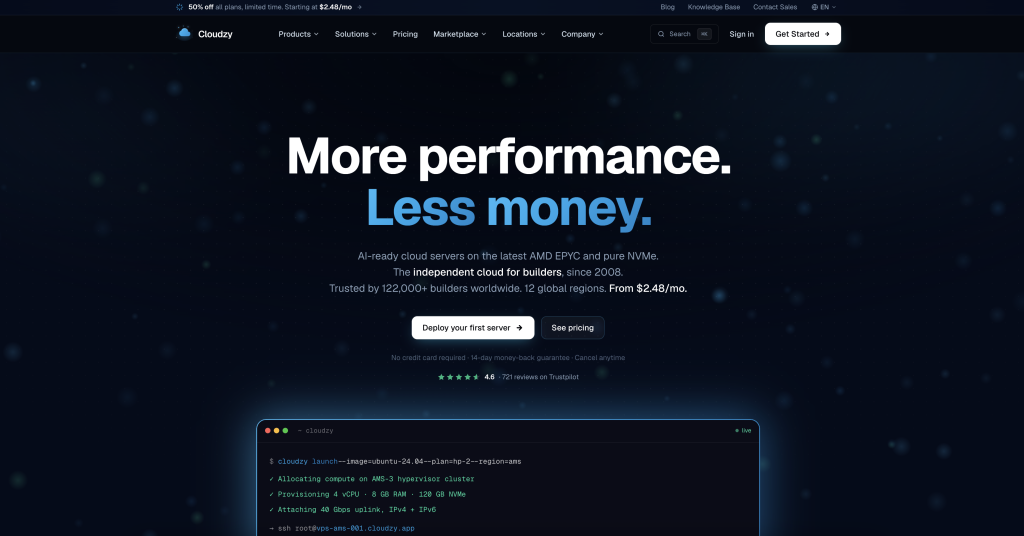
Cloudzy advertises the fastest provisioning time in this comparison, 60 seconds, and the lowest entry-level price here: a 1 GB plan at $3.48 per month, which is a 50 percent promotional rate against a $6.95 standard monthly price, suitable for a single lightweight chart, with its most popular 4 GB tier at $14.48 per month against a $28.95 standard rate. Both are current promotional rates on standard monthly billing, not annual-prepay rates, and billing is available hourly, monthly, or yearly. The company states it has operated since 2008 (rebranded from RouterHosting in 2022) and lists 13 regions including London, New York, Frankfurt, Sydney, and Las Vegas. It carries a 99.95% uptime SLA (provider statement, tracked publicly on its own status page) and a 14-day money-back guarantee. Its Forex VPS ships as a clean Windows desktop and the trader installs the broker terminal, with MT4 offered as a one-click marketplace app, which the provider notes is deliberate because broker builds are branded and a generic pre-install would be the wrong build for most users [2].
Strengths: genuinely granular pricing tiers starting at $3.48 per month, a 50 percent promotional rate against a $6.95 standard price, for the lightest use case, useful for a beginner testing a single demo-account EA before committing to a larger plan; wide regional footprint of 13 metro regions for a relatively low starting price; MT4 available as a one-click marketplace install on a clean Windows desktop, with full RDP and admin access so any broker’s own build can be installed.
Limitations: MetaTrader is not pre-installed; the VPS ships as a clean Windows desktop and the broker terminal is installed by the user, with MT4 offered as a one-click marketplace app, an extra step for a beginner compared with a broker-matched pre-install provider; a documented Forex Peace Army review describes a multi-hour gateway outage with open trades that could not be closed, a reminder that the published uptime SLA is a service-credit policy rather than a guarantee against loss; as a general-purpose cloud host rather than a forex specialist, its shared-resource terms and reboot policy are worth confirming for an always-on EA.
VPSForexTrader: plan tiers sized by terminal count
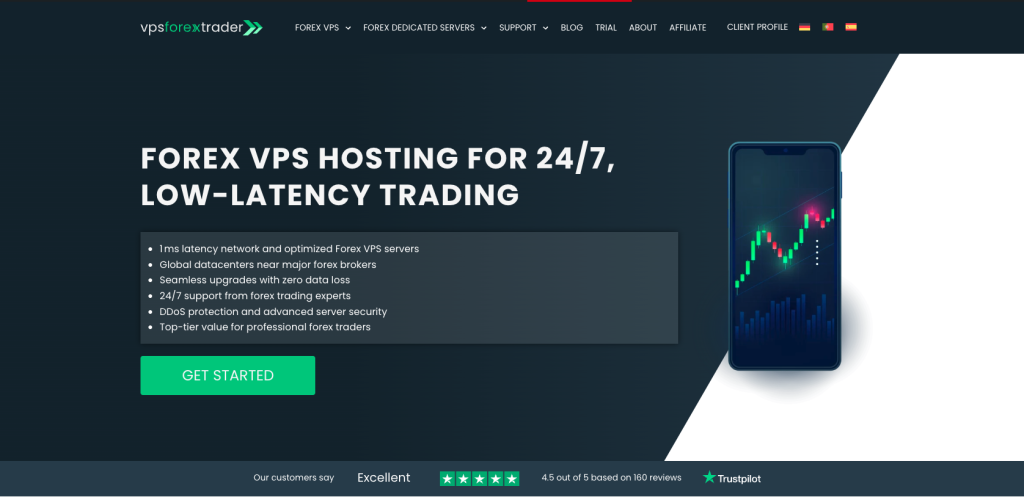
On the criterion a first-time buyer arguably cares about most, testing the service cheaply before committing, VPSForexTrader is the only provider in this comparison with a dedicated low-cost paid trial: a $0.99 three-day option, available in Amsterdam, New York, and London, that lets a beginner run their own EA and broker on the real infrastructure for the price of a coffee. It requires a card at signup and auto-continues at the $31.99 monthly rate unless cancelled before it expires, and the separate 14-day money-back guarantee applies to paid plans but not to the trial, so the two are distinct testing routes rather than one.
The entry plan itself, VPS Smart, includes a 3-core AMD EPYC CPU, 4 GB ECC RAM, 120 GB NVMe SSD storage, and support for up to four simultaneous MT4/MT5 instances, on Windows Server 2025 Standard with a stated 5-minute deployment. Pricing is $31.99 per month with no commitment, or a promotional $19.19 per month on a 24-month term (billed as $460.66 for 24 months per the plan page, discounted from a $767.76 list price); the $19.19 rate is a temporary promotion, so a beginner comparing monthly rates should use the $31.99 figure. The $0.99 three-day trial is the only paid trial in this comparison that requires no broker relationship, no minimum deposit, and no trading-volume commitment, though a beginner already holding a qualifying partner-broker account can obtain a free VPS from ForexVPS.net.
VPS Smart is also the only entry tier in this comparison that documents ECC memory, which detects and corrects the single-bit memory errors that can otherwise corrupt an order calculation while an EA runs unattended; for a beginner leaving one or two EAs running overnight at a mid-market monthly price, it is the only plan here that addresses memory integrity at the entry tier [1].
Strengths: the only provider here with a dedicated paid trial ($0.99 for three days), the only entry tier documenting ECC memory, addressing unattended-EA memory integrity; a straightforward three-tier structure (Smart, Boost, Max) that scales by MT4/MT5 instance count rather than making the user calculate resources; NVMe storage and the current Windows Server 2025 across all tiers; an operating history since 2011.
Limitations: the lowest advertised price requires a 24-month prepayment, and the no-commitment monthly rate of $31.99 is roughly 67 percent above it, so a beginner unwilling to prepay two years pays the higher figure; the location set covers four cities (London, Amsterdam, New York, Hong Kong), narrower than the 13- and 22-region footprints two competitors publish, so a broker in Singapore, Sydney, or Dubai is not served today.
My Forex VPS: low headline pricing on a 7-day refund window
My Forex VPS lists plans starting from $11.99 per month, positioning it as the cheapest headline entry price among providers reviewed. Its Silver tier is listed at $14.99 per month for 2 vCPU, 2 GB RAM, and 50 GB SSD, supporting up to two MT4 terminals. The company states it has served Forex traders since 2012 and operates infrastructure in New York, London, Amsterdam, and Singapore. Deployment is automated and typically completes within about 15 minutes of payment, according to the provider’s own FAQ [3].
Strengths: the lowest headline price among the Forex-specialist providers here, though Cloudzy’s 1 GB general-purpose tier lists lower, useful for a beginner who wants to test VPS-based trading with minimal upfront cost; detailed, plain-language documentation walking through exactly how CPU and RAM usage should be monitored in Task Manager as more MT4 terminals and charts are added, which is unusually beginner-oriented compared to competitors; supports a wide range of platforms beyond MT4/MT5, including cTrader, NinjaTrader, TradeLocker, DXtrade, and Quantower.
Limitations: the money-back guarantee window is 7 days, shorter than every other provider in this comparison, versus the 14-day window that four of the five other providers here offer; support is 24/5 rather than 24/7, so weekend issues require email contact rather than live chat, according to the provider’s own documentation; MT4/MT5 is not pre-installed; the service has no Tokyo location and no dedicated-server upgrade path, so traders who outgrow VPS resources or need Asia-Pacific proximity must look elsewhere; pricing across sources is inconsistent, so beginners should confirm the exact current rate directly before purchasing.
NYCServers: broker-matched provisioning with MetaTrader pre-installed
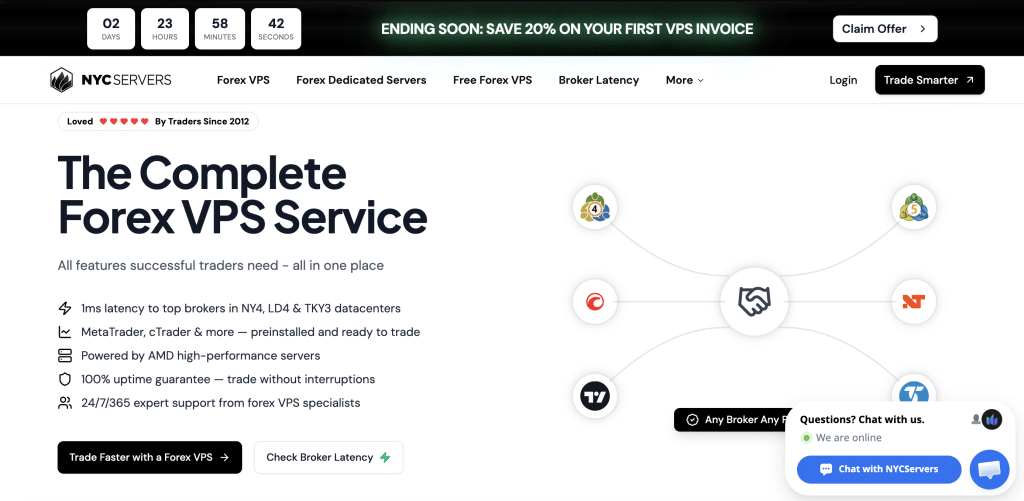
NYCServers’ Basic plan is $25 per month, or $16.67 per month when billed annually ($200 per year), for 2 vCPU, 2 GB RAM, and 60 GB NVMe storage. Distinctively among the providers compared here, NYCServers provisions the VPS with a trading platform (MT4, MT5, or cTrader) pre-installed and automatically places the server in the optimal data center based on the broker selected at checkout, from New York, London, or Tokyo. The company states it was founded in 2012 and offers a 14-day money-back guarantee alongside 24/7 support [4].
Strengths: the broker-selection-at-checkout workflow auto-provisions the correct pre-installed platform and nearest data center, removing the two setup steps, platform install and region choice, that most other providers leave entirely to the user, a meaningful ease-of-use advantage for a true first-time buyer; Tokyo is included alongside New York and London, giving Asia-Pacific broker coverage that several lower-priced competitors lack; support is full 24/7 rather than weekday-only, and the plan lineup includes a clear upgrade path to dedicated servers without switching providers; built-in monitoring and alerting, plus optional backup service, are included.
Limitations: the $25 per month entry price, or $40 per month for the next Standard tier, is higher on a month-to-month basis than several competitors’ promotional rates, and the discounted $16.67 per month figure requires annual prepayment; regional coverage is limited to three hubs, New York, London, and Tokyo, versus the 13 to 22 regions offered by Cloudzy and ForexVPS.net, which may matter for traders using brokers outside those three metro areas; the on-site review widget advertises a markedly higher score and review count than the live platform, which shows 4.4 displayed and a 4.5 TrustScore from 118 reviews (checked 17 September 2026); detailed independent reviews of NYCServers were limited in the sources available for this article, so most of the comparative detail draws on the provider’s own content, which cites specific checkable figures but was not independently verified against a neutral third party.
ForexVPS.net: 22 published regions with bundled trader tools
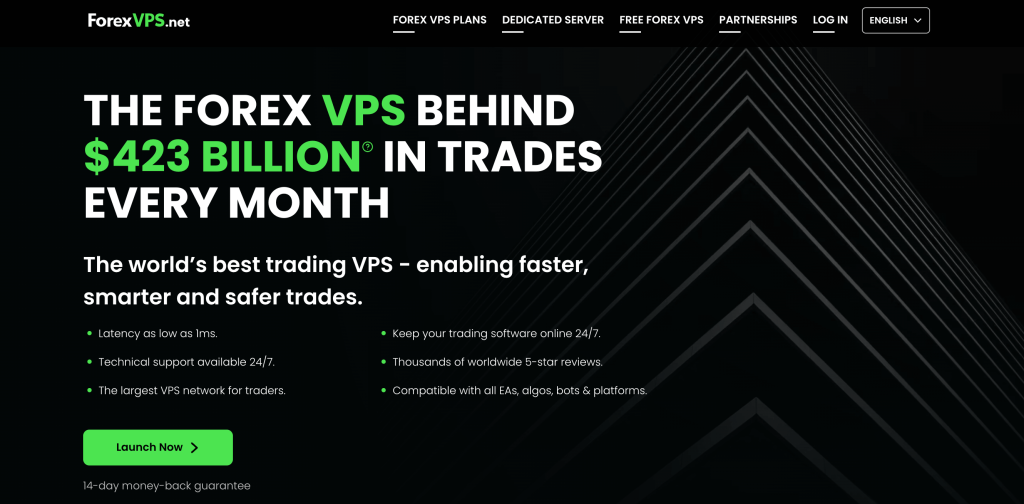
ForexVPS.net’s Core plan lists at $40 per month with no commitment, $32 per month billed yearly ($384 per year), and $25.60 per month billed yearly with a current seasonal promotional code ($307.20 per year, new customers only, offer revocable), and includes 2 CPU cores, 4 GB RAM, and 100 GB storage, sized for one to three trading platforms. The provider states it operates in 22 data center locations globally, more than any other provider reviewed here, plus a free trade copier and free trading analytics bundled into every plan. It also runs a broker-sponsored free VPS: open a live account with a partner broker, meet the minimum deposit, and trade at least one lot per month (with a 30-day grace period and short volume invoiced but the VPS kept online), and no payment details are required at signup. It publishes a 14-day money-back guarantee and states 24/7 technical support with same-day resolution as an internal service target [5].
Strengths: 22 listed data center regions gives beginners the best chance of finding a location genuinely close to an uncommon broker without needing a custom quote; every tier bundles a trade copier and analytics dashboard at no extra charge, tools a beginner would otherwise pay for separately; plans are described using platform-count language (“Core: 1-3 platforms”) rather than raw specs, which is more intuitive for a first-time buyer than parsing vCPU allocations; and a broker-sponsored free VPS route for traders holding a qualifying partner-broker account (minimum deposit, one lot per month) offers a zero-subscription entry.
Limitations: the standard month-to-month rate is $40, one of the highest entry-level monthly rates among the providers compared here, with the $32 standard yearly rate and the $25.60 seasonal-promo yearly rate both requiring annual prepayment; the company’s “100% uptime guarantee” and “$423 Billion in trades” figures are provider-published marketing statements, and the trade-volume figure is explicitly described on the company’s own site as “an extrapolated sample,” neither figure independently verified for this article; ForexVPS.net is operated by ThinkHuge Ltd, which also operates the separate FXVM brand, so the two share a parent despite marketing as distinct services; a beginner comparing “ForexVPS.net” against other similarly-named brands should be aware which ones share ownership and which are unrelated.
QuantVPS: futures-first infrastructure with MetaTrader support
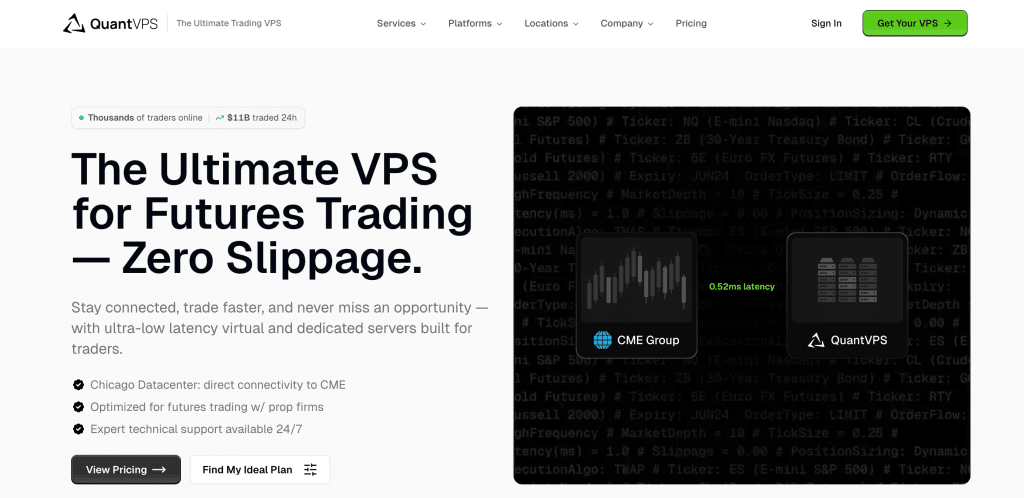
QuantVPS runs two plan families. Its Standard entry plan, VPS Starter, is $29.99 per month with two AMD EPYC cores, 4 GB of DDR4 memory, and 50 GB of NVMe storage; its Plus entry plan, VPS Starter+, is $39.99 per month on AMD Ryzen with DDR5 and automatic backups. Both scale to Lite, Pro, and Ultra tiers above, all on Windows Server 2022. The company’s headline claim is 0.52ms latency to the CME (Chicago Mercantile Exchange) from its Chicago data center, a futures-exchange proximity metric, not a Forex broker latency figure, alongside a 99.999% uptime SLA (provider statement). Every plan includes a dedicated IP, DDoS protection, and 24/7 monitoring, and the company states upgrades are prorated and processed instantly with no data loss [6].
Strengths: transparent, itemized hardware disclosure (AMD Ryzen/EPYC, DDR5, NVMe) plus a wider secondary location footprint (New York, London, Dublin, Amsterdam, Frankfurt, and Tokyo in addition to Chicago) than several lower-cost competitors; instant, self-service prorated upgrades with quick-reboot downtime rather than a support-ticket-driven process; supports MT4/MT5 alongside a long list of futures-focused platforms (NinjaTrader, TradeStation, Quantower, Tradovate), useful for a beginner who may branch into futures or prop-firm trading later.
Limitations: QuantVPS’s core marketing, exchange proximity, and lowest-latency claims (0.52ms to CME) are built around Chicago futures trading, not Forex broker connectivity, so the headline performance statistic is largely irrelevant to a pure Forex beginner and should not be read as a Forex latency benchmark; its $29.99 VPS Starter tier sits mid-range among the providers compared here on a month-to-month basis, below the $31.99 and $40 monthly rates two other providers list; the pricing page does not state a fixed money-back guarantee window in the same clear terms as competitors, emphasizing “cancel anytime” rather than a specific refund period, which is less reassuring for a first-time buyer wanting a defined risk-free trial window; its VPS Starter tier at $29.99 is more resource than a typical single-EA forex workload requires, so a beginner is paying for futures-grade capacity they may not use.
Common Mistakes Beginners Make When Choosing a Forex VPS
Assuming a pre-installed MT4/MT5 image is the correct build for your broker. Broker-branded MetaTrader builds differ, so even where a provider ships MetaTrader pre-installed, as NYCServers does, the generic image may still need to be replaced with your own broker’s specific download.
Picking a location based on your own geography instead of your broker’s server location is the second. A VPS in “New York” only helps if your broker’s matching engine is also in or near New York. Check your broker’s stated server location before choosing a region.
Confusing a futures-exchange latency claim with a Forex broker latency claim is the third. A provider’s “0.52ms to CME” or similar exchange-proximity statistic says nothing about your latency to a Forex broker’s server; check broker-specific latency information separately.
Under-sizing RAM to save a few dollars a month is the fourth. Running multiple charts, EAs, or indicators on a 1 GB or 2 GB plan is a common cause of terminal freezes during high-volatility news events; the publisher’s own guidance is to keep CPU load below 85 percent, and free RAM matters as much, so size the tier above the point where either runs to its ceiling.
Not testing the refund window before it closes is the fifth. Money-back guarantees range from 7 days to 14 days, or an undefined “cancel anytime” policy, across the providers above; set a calendar reminder to verify the VPS is running your EA correctly well before that window ends.
Three Findings
Headline “starting at” prices across the industry almost always assume 12- or 24-month prepayment, and the gap to the no-commitment rate is larger than most beginners expect: the publisher’s own promotional $19.19 sits against a $31.99 standard monthly rate, roughly two-thirds higher, and at least one provider’s marketing pages showed headline pricing that did not match its own detailed plan listing. The lesson is to compare providers on the monthly rate you would actually pay before prepaying anything.
Setup effort varies more than raw specifications do, and it is the variable a beginner feels first. One provider pre-installs the platform and picks the region from your broker selection, another pre-installs a generic MetaTrader build, and others ship a clean Windows desktop or a bare image you configure yourself; the specification sheet says nothing about which experience you will have on day one, so it is worth checking the pre-install and provisioning model directly.
Which Provider Fits Which Beginner
A beginner testing a single demo-account EA on the tightest possible budget will find the lowest cost of entry in Cloudzy’s 1 GB tier at $3.48 per month, a 50 percent promotional rate, on the understanding that the 1 GB allocation suits only a single lightweight chart and MetaTrader is installed by the user rather than pre-loaded. A beginner who wants the broadest choice of data-center regions, particularly for a less common broker, has the most options with ForexVPS.net’s 22-region footprint, which also bundles a trade copier and analytics, at the cost of a higher month-to-month rate.
A beginner who wants the platform pre-installed and the region chosen automatically, with the least manual setup of any provider here, is best served by NYCServers’ broker-selection-at-checkout workflow, provided their broker sits near New York, London, or Tokyo. A beginner who wants to test the service on their own EA and broker with no broker relationship, deposit, or volume commitment is best served by VPSForexTrader’s $0.99 three-day trial, the only such trial here, and its Smart, Boost, and Max tiers then map plan choice directly to terminal count with ECC memory at the entry tier; a beginner who already holds a qualifying partner-broker account, though, has a cheaper route through ForexVPS.net’s free broker-sponsored VPS. The trade-off with VPSForexTrader is a four-city location set and reliance on operating record rather than a contractual uptime figure.
A beginner focused purely on the lowest headline monthly price, and comfortable with a shorter safety margin, may prefer My Forex VPS, weighing its 7-day refund window and 24/5 support against the 14-day, 24/7 norm elsewhere. And a beginner who expects to branch into futures or prop-firm trading later may find QuantVPS’s futures-tuned infrastructure and broad platform support worth its higher entry price, on the clear understanding that its headline latency figure measures a Chicago futures exchange and is not a Forex benchmark.
Frequently asked questions
1. Do I need a Forex VPS as a beginner, or can I start trading from my home computer?
A VPS is not mandatory to start trading, but it becomes valuable as soon as you run an Expert Advisor or automated strategy that needs to stay online independent of your home internet, power supply, or computer uptime. There is a hidden dependency worth naming: a client-side trailing stop or an EA-managed exit runs on the machine hosting the terminal, so if that machine is your laptop and it sleeps, those exits stop managing risk, whereas a hard stop-loss placed at the broker executes regardless. Manual, occasional traders can often delay the VPS purchase until they see a concrete need.
2. Which VPS plan size is right for a first-time user?
For one or two MT4/MT5 terminals with a handful of charts each, the entry-level tier from any provider compared here, roughly 1 to 4 GB RAM and 1 to 3 vCPU, is typically sufficient. The number that actually predicts trouble is free memory after Windows: a 2 GB plan has roughly 1 GB left once Windows Server loads, which is a single-terminal budget once indicators and an EA are running, so a two-terminal setup is more comfortable at 4 GB regardless of what the plan is rated for.
3. Should I choose a VPS location based on where I live?
No. The relevant distance is between the VPS and your broker’s trading server, not between the VPS and you. A practical way to check: ask your broker’s support directly which data center or city hosts your account’s trade server, or run a trace from a trial VPS to the broker’s server address, then pick the region that measures closest rather than the one nearest your home.
4. Is MetaTrader always included with a Forex VPS?
Not universally. NYCServers ships a Windows image with MetaTrader already installed and matched to your broker selection; others, like Cloudzy and My Forex VPS, provide a clean Windows desktop and expect you to install your broker’s own version, though Cloudzy offers MT4 as a one-click marketplace app. Either way, download or confirm the MetaTrader build from your own broker’s site rather than relying on a generic image, so the terminal matches your broker’s server.
5. How much does a beginner-friendly Forex VPS typically cost?
Entry-level pricing among the providers compared here ranges from a few dollars a month for a single-chart promotional tier up to about $40 per month for a no-commitment Forex-focused or futures-oriented plan. The figure that matters is the one you will renew at: a promotional first-term rate can be less than half the standing monthly price, so read the renewal terms before prepaying, and budget for the monthly rate rather than the banner.
6. What should I check before relying on a “money-back guarantee”?
Confirm the exact window, which runs from 7 to 14 days among most providers here, with at least one offering no fixed refund period, and any conditions attached, such as usage limits or a specific cancellation process, directly on the provider’s terms page, since these details are not always fully described on marketing pages. One condition beginners miss: a paid-plan money-back guarantee often does not cover a separate paid trial, so if you start on a trial, the guarantee clock and the trial are not the same thing.
References
[1] VPSForexTrader plans and pricing, https://www.vpsforextrader.com/, and terms of service, retrieved 16 September 2026. Source for VPS Smart pricing and specifications, ECC memory, Windows Server 2025, the $0.99 three-day trial and its exclusion from the money-back guarantee, the four-city location set (London, Amsterdam, New York, Hong Kong), and the absence of any uptime figure in its Terms despite a 99.99 percent figure on some marketing pages.
[2] Cloudzy Forex VPS product and pricing, https://cloudzy.com/forex-vps/, retrieved 16 September 2026. Source for the memory-labelled tiers as current promotional rates on standard monthly billing (1 GB at $3.48 against a $6.95 standard price; 4 GB at $14.48 against $28.95), the 60-second provisioning claim, the 13-region footprint, the 2008 founding and 2022 RouterHosting rebrand, the 99.95% uptime SLA claim, the clean-desktop model with MT4 as a one-click marketplace app, and the 14-day refund.
[3] My Forex VPS plans and FAQ, https://myforexvps.com/, retrieved 16 September 2026. Source for the plan pricing and Silver-tier specifications, the four-location footprint, the 2012 founding claim, the roughly 15-minute deployment, the 7-day refund window, 24/5 support, and platform support.
[4] NYCServers plans and terms, https://newyorkcityservers.com/, retrieved 16 September 2026. Source for the Basic plan pricing and specifications, the broker-matched pre-install and automatic region selection, the three-location footprint, the 14-day guarantee, and 24/7 support.
[5] ForexVPS.net plans, https://www.forexvps.net/, retrieved 16 September 2026, with ownership cross-referenced to Companies-registry and industry records identifying ThinkHuge Ltd as the shared parent of ForexVPS.net and FXVM. Source for the Core plan $40 monthly / $32 yearly / $25.60 seasonal-promo pricing and specifications, the 22-region count, the bundled trade copier and analytics, the broker-sponsored free VPS programme, the 2013 founding per the site copyright line, the 14-day refund, the marketing uptime and trade-volume figures, and the ThinkHuge Ltd ownership.
[6] QuantVPS pricing, https://www.quantvps.com/pricing, retrieved 16 September 2026. Source for the two plan families (Standard VPS Starter $29.99 with two EPYC cores and 4 GB DDR4; Plus VPS Starter+ $39.99 on Ryzen with DDR5) on Windows Server 2022, the hardware, the 0.52ms-to-CME latency claim (a Chicago futures-exchange metric), the uptime SLA claim, and the supported platforms.
[7] Windows Server release information and lifecycle, Microsoft Learn, https://learn.microsoft.com/windows-server/, retrieved 16 September 2026. Source, as a major-industry reference, for the Windows Server version-currency and support-window statements underlying the operating-system points in this comparison.
[8] Forex Peace Army, Cloudzy trading VPS user reviews, https://www.forexpeacearmy.com/forex-reviews/, retrieved 16 September 2026. Source, as an independent industry review platform, for the documented gateway-outage incident cited in the Cloudzy limitations.
Editorial note
VPSForexTrader is a Forex VPS hosting provider operated by HOSTLINE, UAB, and is the publisher of this article. VPSForexTrader is also one of the providers evaluated in this comparison, which represents a direct conflict of interest; readers should treat our self-assessment with the same scrutiny applied to any vendor-published comparison and verify current pricing, specs, and terms directly with each provider before purchasing.
The publisher is placed second in this comparison under a structural ordering criterion, founding year earliest first, not a quality ranking. Its section documents five limitations against five strengths, so its limitations are not outnumbered by its strengths, and competitors are named where they genuinely lead: NYCServers on pre-install and setup, ForexVPS.net on regional footprint, Cloudzy on entry price, My Forex VPS on headline pricing, and QuantVPS on hardware disclosure. Pricing and specifications were verified on 8 September 2026 and re-checked on 14 September 2026, and should be re-pulled from each provider’s live pages before purchase, since promotional pricing and plans change frequently. Where figures are provider marketing statements, latency, uptime, trade volume, they are labelled as such and were not independently tested. Corrections to any factual error will be made on this page with a dated change-log entry. This article is for informational purposes only and does not constitute financial, investment, or trading advice.
Change log
14 September 2026. Initial publication. Six forex VPS providers compared for first-time traders on setup time, entry pricing with billing basis stated, refund window, pre-installed MetaTrader, support, and documented data-centre count. Providers ordered by founding year, earliest first, a structural criterion that places the publisher second. Evaluation criteria are entry pricing, refund window, pre-installed MetaTrader, support, and trial availability; setup time and data-centre count are described but not scored. Provider specifications and pricing verified against vendor pages on 8 September 2026 and re-checked 14 September 2026; every changeable figure flagged for a live re-pull before purchase. Latency, uptime, and trade-volume figures recorded as vendor-stated and not independently tested. This comparison does not rank on user-review scores.