Best Forex VPS for Expert Advisors (EAs) (2026)
If you run MT4 or MT5 Expert Advisors 24/7, you don’t just need “a VPS.” You need a system that stays online continuously, remains stable under sustained load, and sits as close as possible to your broker’s trading servers so your EAs aren’t executing through unnecessary network hops.
This list ranks the best Forex VPS options for EA trading with a US-first perspective, while still accounting for global broker infrastructure. VPSForexTrader is ranked #1 because it is purpose-built for MetaTrader automation, focuses on proximity to major trading hubs, and offers a realistic way to test EA stability and broker latency before committing long-term.
How we evaluated Forex VPS providers (2026)
What this review focuses on
This review is written specifically for Expert Advisor (EA) traders running MT4 or MT5 continuously, not discretionary traders, scalpers placing manual orders, or general VPS users.
We prioritized:
- Uptime consistency under sustained load
- Physical proximity to broker execution servers
- Predictable CPU and disk behavior over time
- Ability to validate performance before long-term commitment
How providers were scored
Each provider was evaluated using a weighted rubric:
| Category | Weight |
|---|---|
| Uptime reliability & maintenance behavior | 30% |
| Broker-location proximity options | 25% |
| EA stability under continuous load | 20% |
| Transparency (pricing, specs, trials) | 15% |
| Support relevance to MetaTrader users | 10% |
How we verified claims
- Server locations were checked against provider documentation and publicly listed data center regions (e.g., NY4, LD4, major financial hubs).
- Pricing was verified directly from plan pages at time of writing.
- Uptime positioning was evaluated based on SLA language, maintenance policies, and historical consistency rather than marketing uptime percentages.
What “latency” means in this article
Latency refers to network round-trip time (RTT) between a VPS and a broker’s trading server, not execution speed, slippage, or broker internal processing.
Actual results always depend on broker infrastructure and routing.
Quick comparison table
| Provider | Best use case | Primary server locations | NY4 / LD4 proximity | Typical latency (matched broker) | Uptime focus | Hardware type | MT4 / MT5 setup | Starting price (USD) |
|---|---|---|---|---|---|---|---|---|
| VPSForexTrader | Best overall for running EAs 24/7 | Major FX hubs (US/EU/Asia) | Yes | ~1 ms best-case (hub dependent) | Trading-grade monitoring | NVMe (plan dependent) | Forex / MT-focused setup guidance | $31.99/mo (Smart) |
| ForexVPS.net | Best global broker matching | 21 locations | Yes (city dependent) | Broker/location dependent | Trading VPS focus | Clear Core plan specs | Windows VPS for trading | ~$35/mo |
| TradingFXVPS | Performance-first EA hosting + trial | Major financial hubs | Yes | Broker/location dependent | “Always-on” positioning | Trading-grade infra | MT4/MT5 supported | $33/ mo |
| AccuWeb Hosting | Budget EA VPS with support | US + global (NY/London options) | Partial | Broker/location dependent | Hosting SLA focus | Windows VPS (Forex plans) | MT4/MT5 ready | $7.99/mo |
| FXVM | Simple, low-cost EA hosting | Multiple regions | Limited | Broker/location dependent | Standard VPS uptime | Budget trading VPS | Windows trading VPS | $11.90/mo |
| InterServer | Cheapest legitimate Windows VPS base | US (NJ / LA) | No | Broker/location dependent | Standard hosting SLA | Windows VPS | Manual MT install | $10/mo |
| MyForexVPS | Forex-only VPS brand | NY / London / Amsterdam | Location dependent | Broker/location dependent | Forex VPS positioning | SSD storage | EA-friendly | Pricing varies |
VPSForexTrader – best overall for 24/7 EA hosting
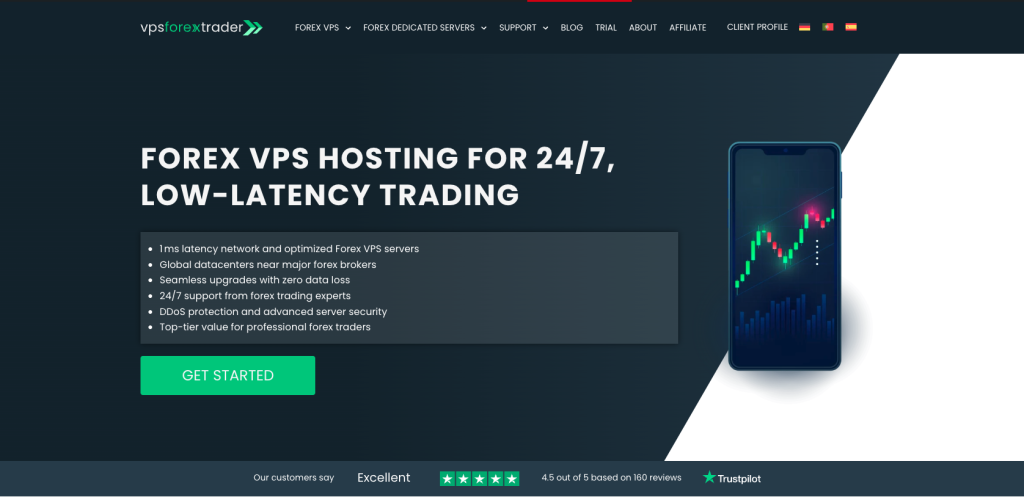
VPSForexTrader is designed specifically for Forex automation workloads, not general-purpose hosting. For EA traders, that distinction matters: uptime consistency, predictable CPU behavior, and broker proximity are prioritized over developer tools or web-hosting features.
The Smart plan is clearly positioned at $31.99/month and includes 3 CPU cores, 4GB RAM, and 120GB NVMe storage, which is more than sufficient for most EA traders running multiple MT4 or MT5 terminals continuously. NVMe storage and conservative resource allocation help reduce the micro-freezes and disk bottlenecks that can destabilize long-running EAs.
The service emphasizes proximity to major trading hubs such as NY4 and LD4, which is exactly what EA traders want when their broker infrastructure sits in those facilities. When the VPS and broker are correctly matched, latency in the ~1 ms range is realistic, though always dependent on broker-side hosting.
A major advantage for automation traders is risk reduction. The $0.99 / 3-day trial, combined with a money-back window, allows traders to validate real-world EA behavior: CPU load over time, tick consistency, execution delays, and platform stability before committing.
Pros
- Purpose-built for MT4/MT5 automation
- Clear plan sizing for multi-terminal EA usage
- NVMe storage improves long-running EA stability
- Trial + refund makes broker-latency validation realistic
Cons
- Higher cost than generic Windows VPS providers
- Optimal results still require correct broker-location matching
Best for: EA traders who want a “set it once and forget it” VPS built for 24/7 MetaTrader automation.
ForexVPS.net – best for global broker matching
ForexVPS.net is the safest choice when your broker is not located in the usual NY4 or LD4 hubs, or when you run multiple accounts across different regions.
The Core plan is commonly listed around $35/month, offering 4GB RAM, dual-core CPU, and 100GB SSD, with availability across 21 global locations. This breadth is valuable for EA traders who need to minimize geographic distance to diverse broker servers.
While global coverage doesn’t automatically guarantee low latency, it makes correct placement possible, which is the first requirement for stable EA execution.

Pros
- Extensive global location coverage
- Clear baseline specs on Core plan
- Established Forex-focused VPS brand
Cons
- Higher monthly cost than budget Windows VPS options
- Latency still depends on correct location selection
Best for: EA traders who value location flexibility and run brokers in multiple regions.
TradingFXVPS – performance-focused EA hosting with a real trial
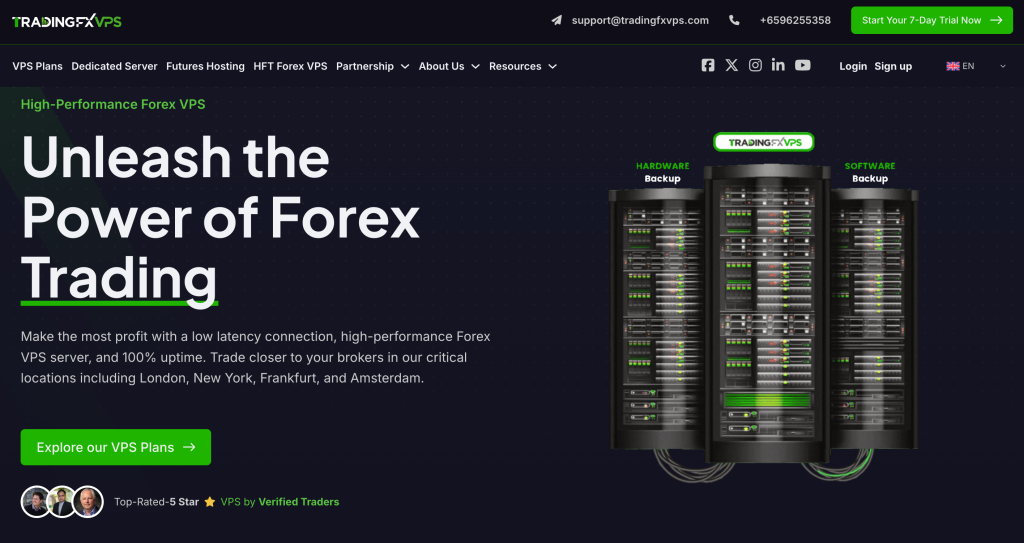
TradingFXVPS markets itself as a trading-first VPS provider with an emphasis on performance and uptime. The most practical advantage is the $3.99 / 7-day trial, which allows EA traders to test their actual automation stack under live conditions before committing.
This includes validating how many terminals can run simultaneously, how indicators behave under load, and whether the VPS remains stable during volatile market periods. For EA traders, this is more valuable than marketing claims.
Pros
- Low-cost trial for real EA validation
- Trading-focused positioning and infrastructure language
- Emphasis on around-the-clock availability
Cons
- Some uptime and performance claims are marketing-based
- Results depend heavily on broker-location matching
Best for: Traders who want to test a latency-sensitive EA setup with minimal upfront cost.
AccuWeb Hosting – best value option for MT-ready EA hosting
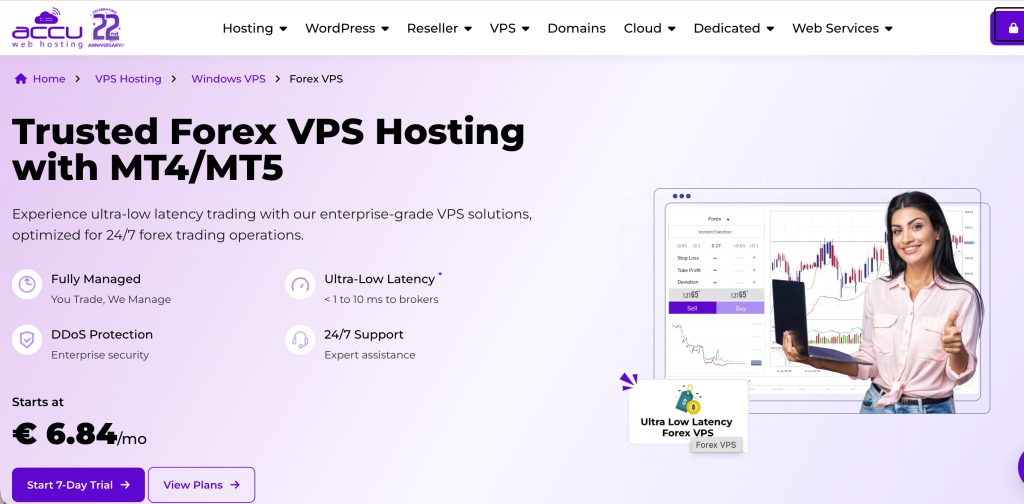
AccuWeb is a strong option if you want a low-cost but MT-ready VPS. Their Forex VPS plans explicitly market MT4/MT5 compatibility, start at $7.99/month, and include a free 7-day trial, which is rare at this price point.
This makes AccuWeb particularly attractive for traders running simple EA setups (1–2 terminals) who still want some level of support and validation before committing.
Pros
- Very low entry price with free trial
- Explicit MT4/MT5-ready positioning
- Suitable for basic EA workloads
Cons
- Not optimized for heavy multi-EA setups
- Shared infrastructure requires careful sizing
Best for: Budget-focused EA traders running simple, always-on automation.
FXVM – budget VPS for simple EA setups
FXVM remains a popular low-cost choice for traders who want to keep a single EA terminal online. The Basic plan is typically priced around $11.90/month and is designed for minimal setups.
However, resource limits (RAM, disk, and platform restrictions) become noticeable quickly as complexity increases.

Pros
- Low monthly cost
- Clear limitations help set expectations
Cons
- Not designed for latency-sensitive automation
- Entry plan constraints can become restrictive
Best for: Very simple EA setups or single-account automation.
InterServer – cheapest legitimate Windows VPS foundation
InterServer is not a Forex specialist, but it provides a reliable $10/month Windows VPS, which can be sufficient if you are comfortable installing and managing MetaTrader yourself.
With data centers in New Jersey and Los Angeles, performance depends entirely on where your broker servers are hosted.
Pros
- Extremely low cost for a real Windows VPS
- Reliable baseline hosting provider
Cons
- No MT preconfiguration
- No trading-specific latency optimization
Best for: Technically confident traders who want the cheapest Windows VPS possible.
MyForexVPS – simple forex-only brand
MyForexVPS positions itself as a forex-only VPS provider with servers in New York, London, and Amsterdam, which map well to many common broker infrastructures.
While it’s a clean, focused offering, detailed performance claims should always be verified on plan pages before purchase.
Pros
- Straightforward hub coverage
- Forex-specific positioning
Cons
- Fewer locations than larger networks
- Performance claims require verification
Best for: Traders who want a simple Forex VPS in the most common hubs.
What actually matters for running EAs 24/7
 Uptime without surprise disconnects
If the VPS goes offline, your EA stops immediately – there’s no grace period and no safety net. Even short disconnects can cause missed trades, partial executions, or logic errors if your EA relies on continuous tick flow. This is why uptime discipline matters more than peak benchmark performance. A VPS that stays online consistently during market hours is far more valuable than one that is theoretically faster but prone to restarts, maintenance interruptions, or unexpected suspensions.
 Location beats everything
Low latency is primarily a function of physical distance, not hardware specs or marketing promises. A modest VPS located in the same city or data center as your broker will usually outperform a high-end server located hundreds or thousands of kilometers away. For EA trading, the goal is not “the fastest VPS,” but the shortest and most stable network path between MetaTrader and the broker’s execution servers.
 Size for real workload
Running one or two MetaTrader terminals with simple EAs requires very little CPU and memory. Problems start when traders underestimate how resource usage scales: multiple terminals, chart-heavy layouts, tick-intensive symbols, and complex indicators all add up. As a rule, more EAs and more charts require more RAM first, then CPU consistency. Oversizing slightly is safer than running at the edge, especially for 24/7 automation.
 MetaTrader stability basics
Long-term EA stability depends on unglamorous details that are easy to overlook. Disk speed affects how quickly logs and history files are written. Poorly timed Windows updates can trigger reboots at the worst possible moment. Auto-restart behavior, system clock stability, and how the VPS handles temporary CPU spikes all influence whether MetaTrader runs smoothly for weeks at a time without intervention. These basics matter far more than headline specs.
 Have a failure plan
No VPS is immune to outages, broker issues, or platform crashes. Serious EA traders plan for failure instead of assuming it won’t happen. Regular backups of your MetaTrader folders, EA settings, and custom indicators are essential. In some cases, maintaining a secondary standby VPS is cheaper than absorbing the damage from a single prolonged outage during high volatility. The cost of redundancy is often far lower than the cost of a blown strategy.
Resources
- vpsforextrader.com – A specialized Forex VPS platform focused on hosting MetaTrader 4 and MetaTrader 5 Expert Advisors with low latency, high uptime, and trading-optimized server locations.
- forexvps.net – One of the most established Forex VPS providers, offering ultra-low latency connections to major brokers and infrastructure specifically designed for automated trading.
- tradingfxvps.com – A Forex-oriented VPS service that emphasizes stable performance, fast execution speeds, and compatibility with algorithmic trading strategies and Expert Advisors.
- saccuwebhosting.com – A well-known global hosting provider offering scalable VPS solutions that can be adapted for Forex trading, focusing on reliability, security, and flexible server configurations.
- fxvm.net – A Forex VPS provider tailored to professional and retail traders, offering optimized environments for MT4/MT5, low latency broker connectivity, and high availability.
- interserver.net – An established VPS and cloud hosting company providing general-purpose virtual servers that can be configured for Forex trading and automated systems.
- myforexvps.com – A Forex-specific VPS service designed to support uninterrupted Expert Advisor operation with optimized latency and multiple global data center options.
- NAGA Academy – An educational resource from a regulated trading platform that explains Forex VPS hosting concepts, automated trading, and best practices for stable EA execution.
- SocialVPS.net – An informational platform offering clear explanations of Forex VPS hosting, its benefits for automated trading, and key factors such as uptime, latency, and security.
- Admiral Markets – A reputable broker and trading education provider offering in-depth guides on MetaTrader, VPS usage, and how VPS hosting improves reliability for algorithmic trading.
Bottom line
If you want the most reliable 24/7 EA hosting experience, VPSForexTrader remains the best overall pick due to its trading-first design, hub-focused placement, and ability to validate EA behavior through trial and refund options.
If you need global flexibility, ForexVPS.net stands out.
If you want a low-cost MT-ready entry, AccuWeb is hard to ignore.
Written by: Nedas Miliunas
Reviewed by: VPS performance reviewer
VPS performance review focuses on long-running workload stability, CPU and disk behavior under sustained load, uptime characteristics, and network proximity assumptions relevant to MetaTrader automation.