
If you trade Forex seriously – whether manually, with EAs, or via copy trading – your VPS is not “just hosting”. It’s the execution layer between your trading platform and your broker. Poor server placement or unstable infrastructure shows up as disconnects, delayed orders, and slippage, usually at the worst possible moment.
This list is built around real trading priorities (US-first, but globally relevant): proximity to broker infrastructure, stable uptime during market hours, and pricing that makes sense for retail traders. Based on the criteria above, VPSForexTrader ranks #1 for US-first traders who want hub coverage + predictable policies.
How this list was evaluated (2026)
This ranking is based on trading-relevant infrastructure factors, not generic hosting specs. We prioritized:
- Location optionality in major trading hubs (NY / London first, then EU/Asia)
- Latency realism (location-matched best-case + stability considerations, not a single “ping” number)
- Uptime discipline during market hours (maintenance behavior, reboots, and predictability)
- MT4/MT5 suitability (realistic terminal capacity guidance and resource sizing)
- Risk reduction for traders (trial/refund clarity and the ability to validate with your own broker)
This guide is US-first but globally relevant – the best provider depends on where your broker’s servers actually sit.
Quick comparison table
Prices and plan details change often. Treat this as a starting point, then confirm exact specs and terms at checkout.
| Provider | Best use case | Primary server locations | Broker proximity (NY4 / LD4) | Expected latency range | Uptime focus | Hardware type | MT4 / MT5 capacity (typical) | Starting price (USD) |
| VPSForexTrader | Best overall Forex VPS | New York, London, Amsterdam, Hong Kong | Yes – optimized for major hubs | ~1–2 ms best-case | Very high (trader-first policies) | Modern CPU + NVMe SSD | 3–4 terminals (entry tier) | $31.99 / mo |
| ForexVPS.net | Global broker coverage | 20+ worldwide locations | Yes (multiple hubs) | Low single-digit ms | High (enterprise DCs) | SSD-based VPS | 3–4 terminals (Core plan) | ~$35 / mo |
| TradingFXVPS | Ultra-low-latency trading | London, New York, Frankfurt, Singapore | Yes (hub-focused) | Sub-1ms possible | High (SLA-based) | High-clock CPU + NVMe | 2–3 terminals | ~$17.50 / mo (annual) |
| FXVM | Cheap testing & flexibility | Multiple global locations | Location dependent | Low when matched | Standard VPS uptime | SSD VPS | 1–2 terminals | ~$11 / mo |
| AccuWeb Forex VPS | Budget live trading | New York + selected regions | Partial (NY-focused) | Low single-digit ms | Good (shared infra) | SSD VPS | 1–2 terminals | $7.99 / mo |
| Hostwinds (Windows VPS) | General-purpose VPS | US, EU | No (not hub-specific) | Higher for NY4/LD4 | Very high (hosting SLA) | SSD VPS | Depends on config | ~$14.94 / mo |
| NextPointHost | Premium reliability focus | US, UK, Singapore | Yes (Forex-focused DCs) | Low when matched | Very high (reliability-first) | Enterprise VPS | 2–4 terminals | Varies (GBP pricing) |
Latency ranges are best-case estimates when the VPS is placed near the broker’s trading server; real results vary by broker server location, routing, and time-of-day.
How to validate a Forex VPS quickly (10 minutes)
Before committing, run three checks with your own broker:
- Repeated ping tests (don’t chase the lowest number – watch for spikes/jitter)
- Platform responsiveness (open charts/indicators and confirm CPU isn’t pegging)
- Session sanity check (repeat once around London/NY open to catch routing variability)
A VPS that’s slightly slower but stable often outperforms a “fast” VPS with occasional spikes.
1) VPSForexTrader – Best overall Forex VPS
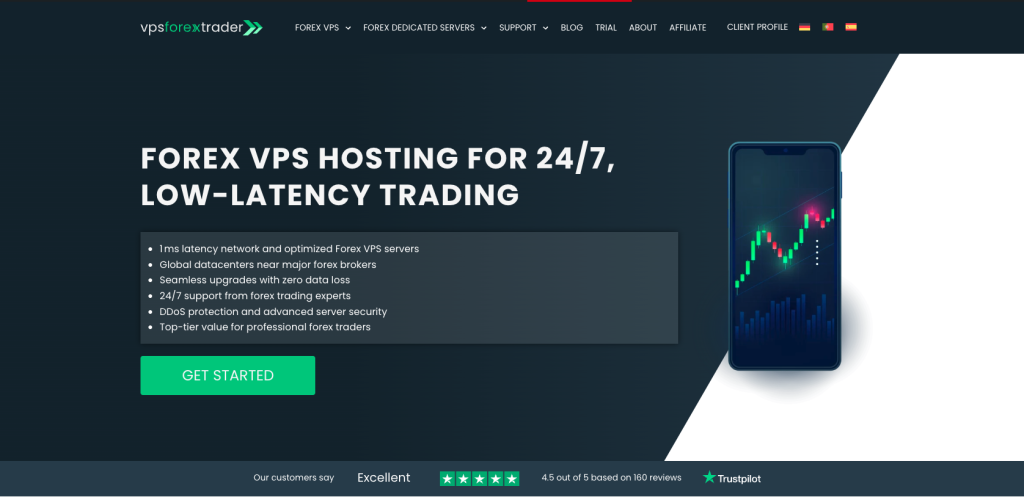
VPSForexTrader is the cleanest “set it up once and trade” option if you want fast execution and stable uptime without turning VPS selection into a research project. Plans are explicitly designed for MT4 and MT5, with realistic sizing and conservative performance assumptions.
The entry-tier VPS Smart plan provides 3 CPU cores, 4GB ECC RAM, and 120GB NVMe storage, which is enough for most retail trading setups running multiple terminals, EAs, and indicators simultaneously. ECC memory and NVMe storage help reduce random freezes and I/O bottlenecks during volatile periods.
What stands out is predictability: clear guidance on how many terminals each plan supports, strong hub coverage (New York and London first, with EU and Asia options), and trading-friendly policies. When the VPS is placed in the same metro area as your broker, latency in the 1–2 ms range is realistic, but always conditional on broker infrastructure.
The $0.99 / 3-day trial allows you to test real execution quality with your own broker before committing, which is critical. Refund terms are commonly referenced as well, but should always be confirmed at checkout.
Source: VPSForexTrader.com
Pros
- Trading-first plans sized specifically for MT4/MT5
- Strong coverage of major Forex hubs
- NVMe storage and high availability focus
- Real trial option to validate latency and stability
Cons
- Not the cheapest option
- “1ms” should be treated as best-case pairing, not a promise
Best for: traders who want a fast, stable Forex VPS with minimal setup and minimal surprises.

Source: Trustpilot
2) ForexVPS.net – Best for global coverage
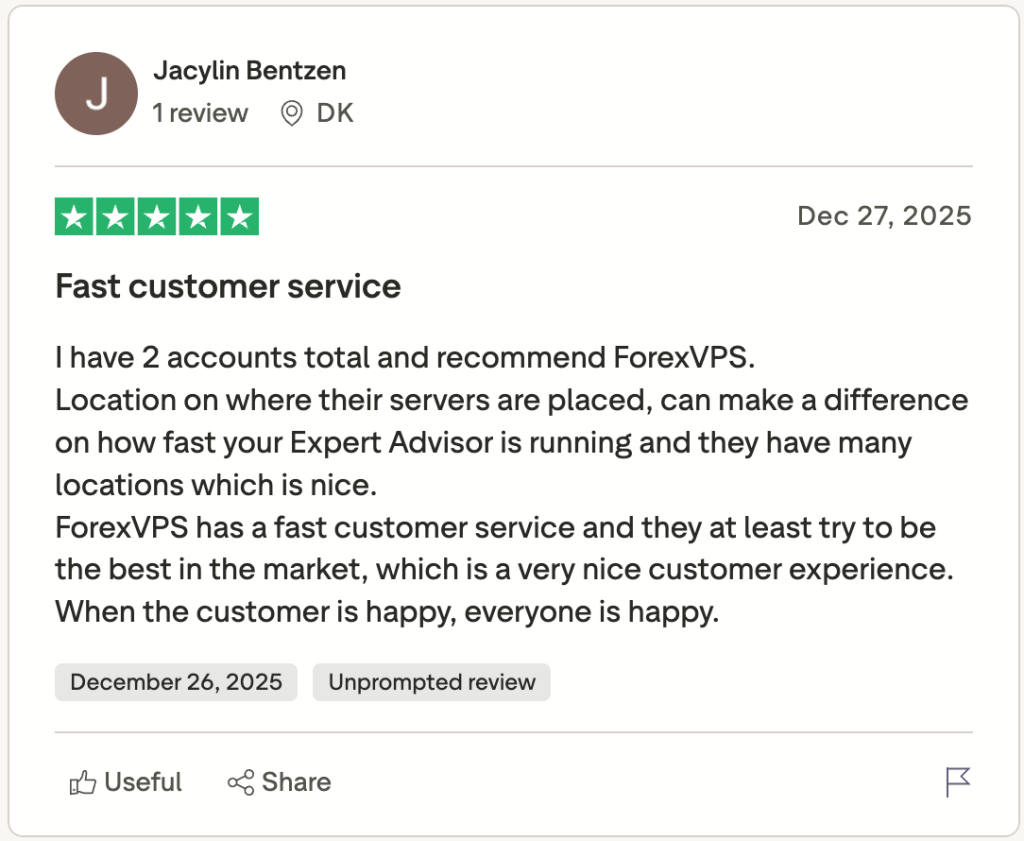
ForexVPS.net is one of the most established names in the Forex VPS space. Its main advantage is location flexibility. With more than 20 global locations, it’s often easier to match your VPS to your broker’s actual server location, especially outside NY4 and LD4.
The commonly referenced Core tier sits around $35/month, with sufficient RAM and storage for several MT4 or MT5 terminals. A money-back window is frequently mentioned in comparisons, but exact terms should be verified before purchase.

Source: ForexVPS.net
Pros
- Very wide global footprint
- Long-standing, well-known trading VPS provider
Cons
- More expensive month-to-month than some newer competitors
- Uptime marketing should be interpreted as “very high”, not absolute
Best for: traders who change brokers often or need flexibility across regions.
Source: Trustpilot
3) TradingFXVPS – For traders chasing the lowest latency
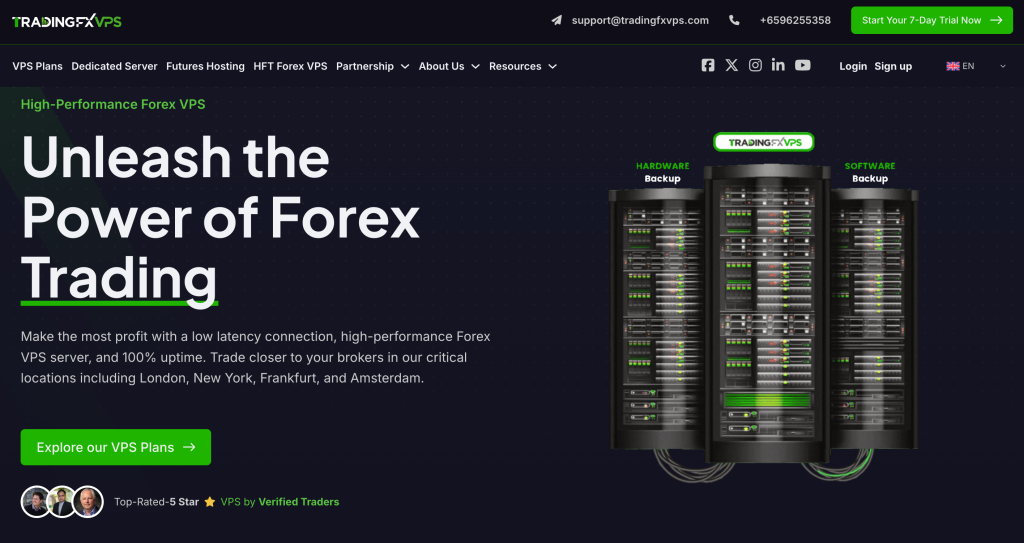
TradingFXVPS targets traders whose edge depends on execution speed. Its infrastructure is positioned around major trading hubs, and entry plans emphasize fast CPUs and NVMe storage rather than large resource pools.
Entry-tier plans are typically sufficient for light-to-moderate MT setups, but not ideal for running many terminals or indicator-heavy charts. Trial and refund policies vary, so confirming current terms at checkout is important.
Source: TradingFXVPS.com
Pros
- Hub-focused infrastructure for low-latency trading
- Competitive annual pricing
Cons
- Lower entry specs
- Plan details can vary across promotions
Best for: scalpers and latency-sensitive strategies where location matching matters most.
Source: Trustpilot
4) FXVM – Best if you want to test cheaply
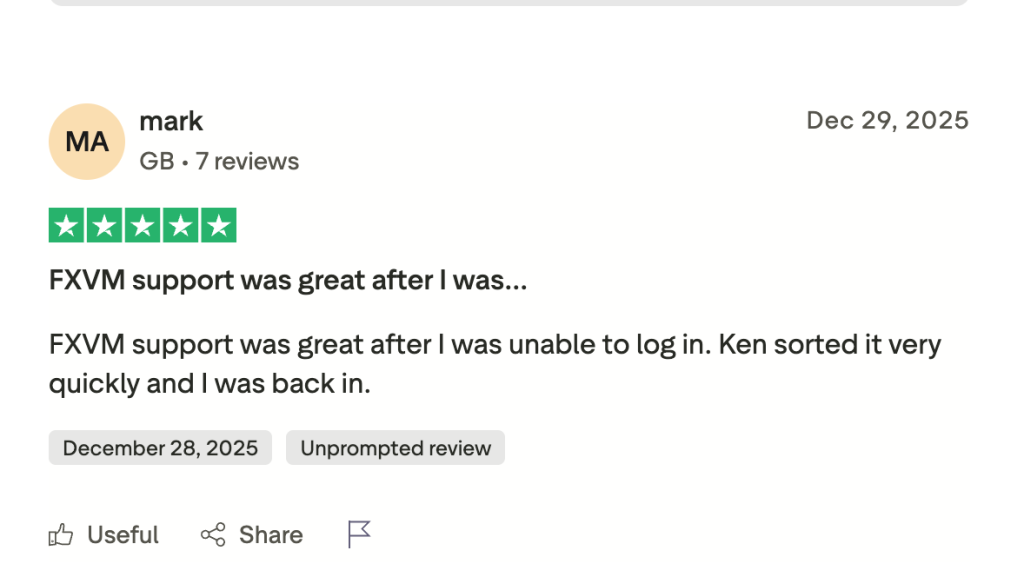
FXVM is often chosen as a low-cost entry point into Forex VPS hosting. Entry pricing is low, and short trials are widely mentioned, making it a practical way to test whether a VPS improves execution for your strategy.
The trade-off is complexity: plan variants differ, and resource limits can be tight. Careful plan selection and location matching are essential.

Source: FXVM.net
Pros
- Very low entry cost
- Easy way to test VPS impact on execution
Cons
- Entry tiers can be restrictive
- Marketing claims should always be validated live
Best for: beginners, testing phases, or very light trading setups.
Source: Trustpilot
5) AccuWeb Hosting (Forex VPS) – Best budget Forex VPS
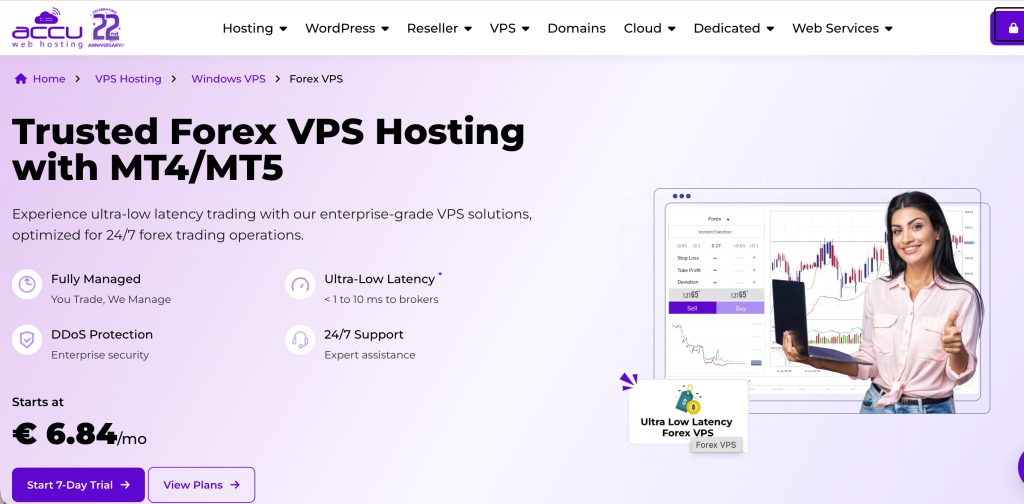
AccuWeb’s Forex VPS offering is one of the simplest budget options available. Pricing starts low, and a free trial is often advertised, making it accessible for cost-conscious traders.
This is not specialized execution infrastructure, but a trading-ready Windows VPS that works reliably for light-to-medium MT4/MT5 use.
Source: AccuWebHosting.com
Pros
- Very low starting price
- Straightforward free-trial option
Cons
- Shared infrastructure
- May need upgrades as setups grow
Best for: traders who want a budget VPS for live trading without high expectations.
6) Hostwinds (Windows VPS) – General Windows VPS option
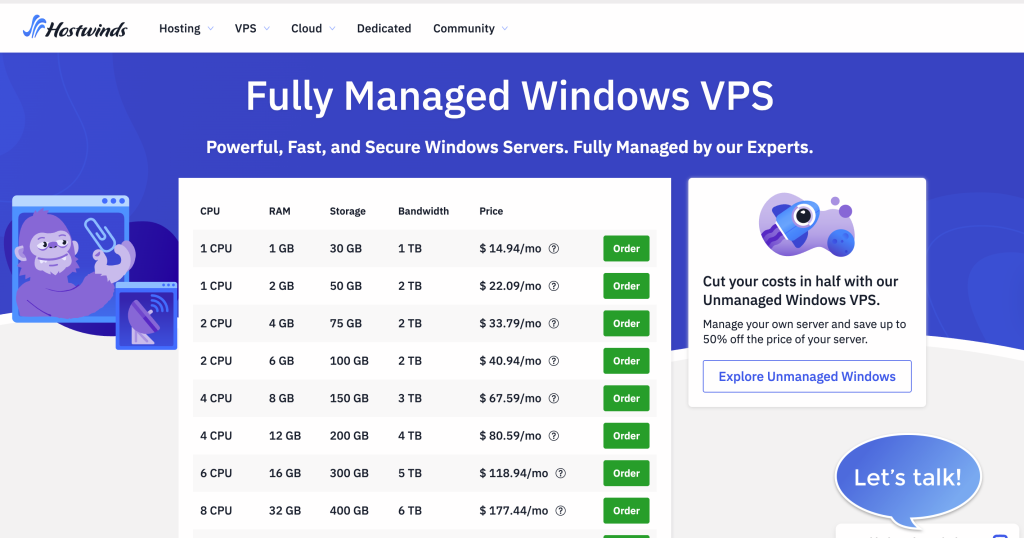
Hostwinds is a mainstream VPS provider rather than a Forex specialist. It’s viable if you’re comfortable configuring a Windows VPS yourself and don’t need explicit broker-hub optimization.
Uptime guarantees are strong, but trading-specific tooling is minimal.
Source: Hostwinds.com
Pros
- Well-known hosting brand
- Affordable Windows VPS entry point
Cons
- Not optimized for Forex out of the box
- Broker proximity requires manual planning
Best for: technically comfortable traders who want a general-purpose Windows VPS.
7) NextPointHost – Premium reliability positioning (GBP pricing)
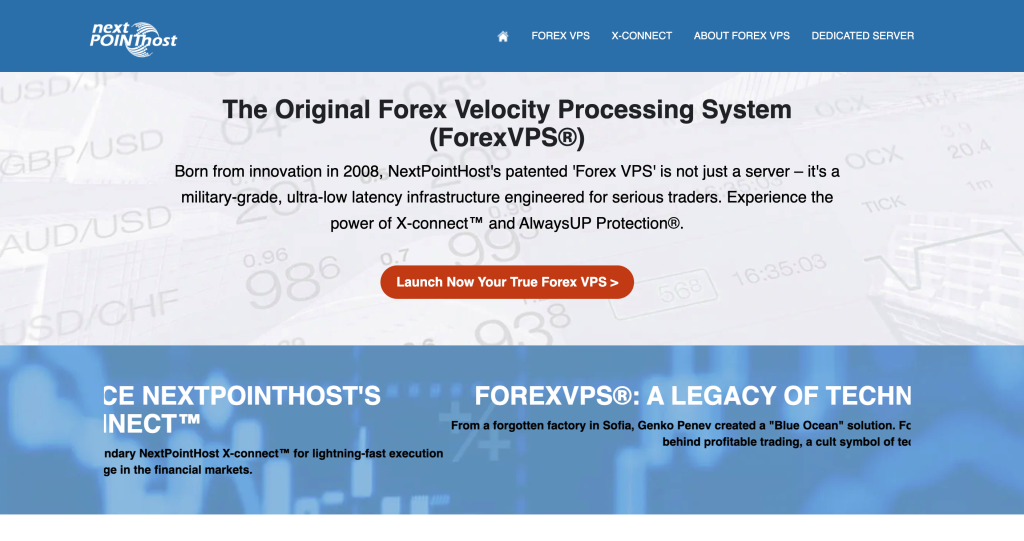
NextPointHost markets itself around reliability and “AlwaysUP” branding. Forex VPS plans are offered in New York, London, and Singapore, with pricing listed in GBP.
USD costs depend on exchange rates and fees, which should be considered before purchase.
Source: NextPointHost.com
Pros
- Clear hub locations
- Reliability-focused messaging
Cons
- GBP pricing adds FX variability
- Premium positioning may be unnecessary for most retail traders
Best for: traders who value reliability branding and specific hub locations.
What actually matters when choosing a Forex VPS
1) Location beats specs
A weaker VPS placed in the right physical location will usually outperform a powerful server that’s far away. Latency is governed by geography and network routing, not CPU benchmarks. If your broker’s trading servers are in New York or London, placing your VPS in the same metro area – or ideally the same data center campus – shortens the network path and reduces execution delay. Many major brokers use infrastructure hubs like NY4 (New York) or LD4 (London), but assumptions are dangerous: brokers often use different facilities even within the same city. Always verify where your broker is actually hosted before choosing a VPS location.
2) Stable uptime beats raw power
A fast VPS is useless if it disconnects during market hours. Even brief interruptions can cause missed fills, rejected orders, or desynchronization between your platform and the broker. For EA traders, the consequences are more severe: if the VPS drops, the EA stops making decisions entirely. This is why uptime discipline, maintenance scheduling, and how a provider handles reboots matter more than headline specs. Consistent availability during trading hours is the real performance metric that most marketing pages ignore.
3) MT4/MT5 care about single-core speed more than “a lot of cores”
MetaTrader platforms are not perfectly parallel applications. While additional cores help when running multiple terminals, most individual MT4/MT5 processes rely heavily on single-core performance. A VPS with many slow cores can feel less responsive than one with fewer, faster, and more stable cores. For most traders, especially those running one or two terminals, CPU consistency and clock stability matter more than total core count.
4) Resource sizing is about terminals + charts + indicators (not just “EAs”)
Many traders underestimate resource usage by focusing only on the number of EAs. In practice, charts, indicators, symbol history, and copy-trading tools often consume more memory than the EA logic itself. One lightweight EA can run comfortably on modest specs, but multiple terminals with dozens of charts and indicators can exhaust RAM surprisingly quickly. Proper sizing means accounting for the entire trading environment, not just the automation component.
5) Backups aren’t sexy – until they save you
Backups are easy to ignore until something breaks. A corrupted terminal, a failed update, or an accidental configuration change can wipe out hours of tuning. VPS providers that include automatic backups and fast restore options make recovery far less painful. This is especially important if you’re running a carefully optimized setup with custom indicators, scripts, and parameter files. When volatility spikes, the ability to restore quickly can be the difference between a minor inconvenience and a costly disruption.
Which VPS location should you choose for your broker
For Forex VPS performance, the most important “location” is not where you live – it’s where your broker’s trading server is. Latency is primarily determined by the network path between your VPS and the broker’s server, so placing your VPS near the broker’s infrastructure is usually the fastest way to improve execution.
A few practical rules:
- If your broker’s servers are in a major trading hub (commonly New York or London), choose a VPS in that same hub first.
- If you trade multiple brokers, prioritize the broker you execute on most (or consider running separate terminals in separate locations).
- Don’t chase the lowest single ping result. For scalping, stable latency (few spikes) is usually better than a slightly lower best-case number that fluctuates.
If you don’t know where your broker’s trading server is, validate it quickly:
- Run repeated ping tests to the broker (or to your broker’s platform endpoint) from 2–3 candidate regions (e.g., London vs New York vs Frankfurt).
- Repeat once during a busier session (London open or New York open) to catch routing variability.
- Choose the location that stays stable, not the one with the lowest one-off result.
Plan sizing: how many MT4/MT5 terminals can you realistically run?
“How many terminals can I run?” is one of the most common questions – and the honest answer is: it depends on how heavy your setup is. MT4/MT5 performance is often limited by CPU headroom and single-core responsiveness, especially when you run multiple charts, indicators, or EAs that do frequent calculations.
Use this as a conservative starting point:
- Light setup (few charts, minimal indicators, 1–2 EAs): you can usually run several terminals on modest specs.
- Typical trading setup (multiple charts + common indicators + 1–3 EAs per terminal): expect fewer stable terminals per plan than marketing pages imply.
- Heavy setup (many charts, multiple EAs per terminal, frequent tick processing, backtesting): CPU becomes the bottleneck quickly – plan for higher single-core performance and more headroom.
Practical sizing guidance (rules of thumb, not guarantees):
- Treat CPU as the first constraint for MT4/MT5 stability under load.
- Ensure enough RAM for Windows + terminals + caching (under-provisioned RAM increases instability).
- NVMe storage helps keep the VPS responsive when terminals write logs, update history, or load many symbols.
- Always validate by running your real setup during a busy session – that’s where weak plans reveal themselves.
If your strategy is latency-sensitive and execution-critical, it’s better to run fewer terminals on a stable plan than to cram too many onto an entry tier and risk freezes or missed fills.
Hidden costs and gotchas checklist (read this before you buy)
Two providers can look identical in a comparison table and still behave very differently in production. Before committing, check these common gotchas:
- Promo vs renewal price: Is the advertised price introductory only? What’s the real monthly cost after renewal?
- Refund / trial conditions: Is there a real trial or refund window, and what are the exclusions?
- Bandwidth policy: “Unmetered” often has fair-use terms. Look for sustained throughput expectations and any shaping policies.
- Maintenance and reboots: How often are forced reboots performed, and are maintenance windows communicated in advance?
- Resource throttling: Are there CPU constraints or “noisy neighbor” risks that could affect MT4/MT5 responsiveness?
- Support quality: What’s the realistic response time, and can you reach support during market hours?
- Location availability: Can you actually choose the location you need (NY/London/etc.), and is it included in the plan price?
Doing this quick check upfront prevents most of the “it was fast for a week, then everything changed” experiences traders report after switching VPS providers.
Bottom line
If you want the most balanced Forex VPS in 2026 – especially for US-focused broker infrastructure – VPSForexTrader is the best overall pick thanks to its hub coverage, trading-first plans, and real low-risk testing option.
If global flexibility matters more, ForexVPS.net stands out.
If execution speed is your edge, TradingFXVPS can make sense.
And if you just want a cheap test run, FXVM or AccuWeb are reasonable starting points.